Changelog #004
Introducing npx create-steel-app for spinning up full Steel projects from any cookbook recipe, including pure Python projects.
Wooooooooooooo!! We got some new updates we’re pumped to share.
⭐ New
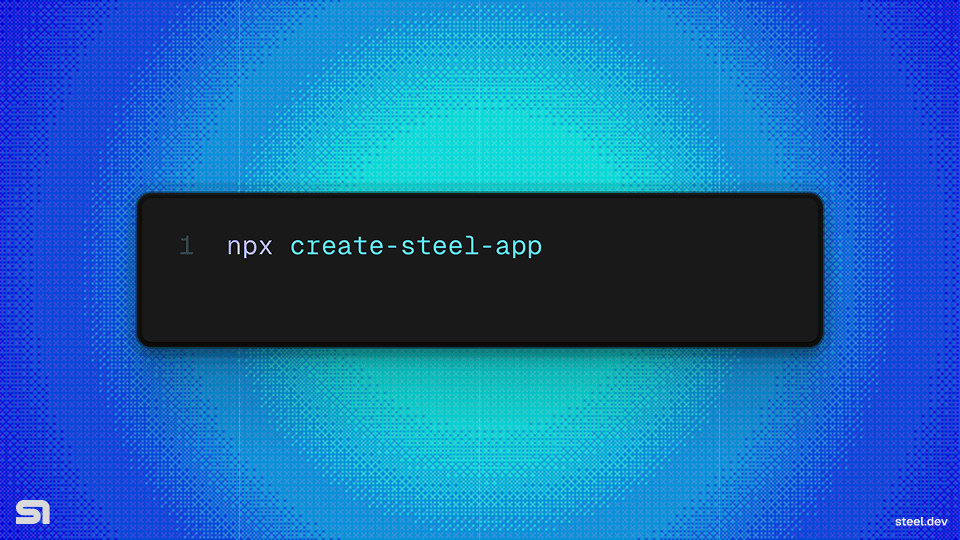
npx create-steel-app
The easiest way to get started with Steel just dropped!
Run npx create-steel-app to spin up a full project based on any of the recipes in the Steel cookbook repo.
Note: This works with pure Python projects too! As long as you have npm installed, you’ll be able quick spin up projects like Browser-use and Playwright-python on Steel!
Multitab Support
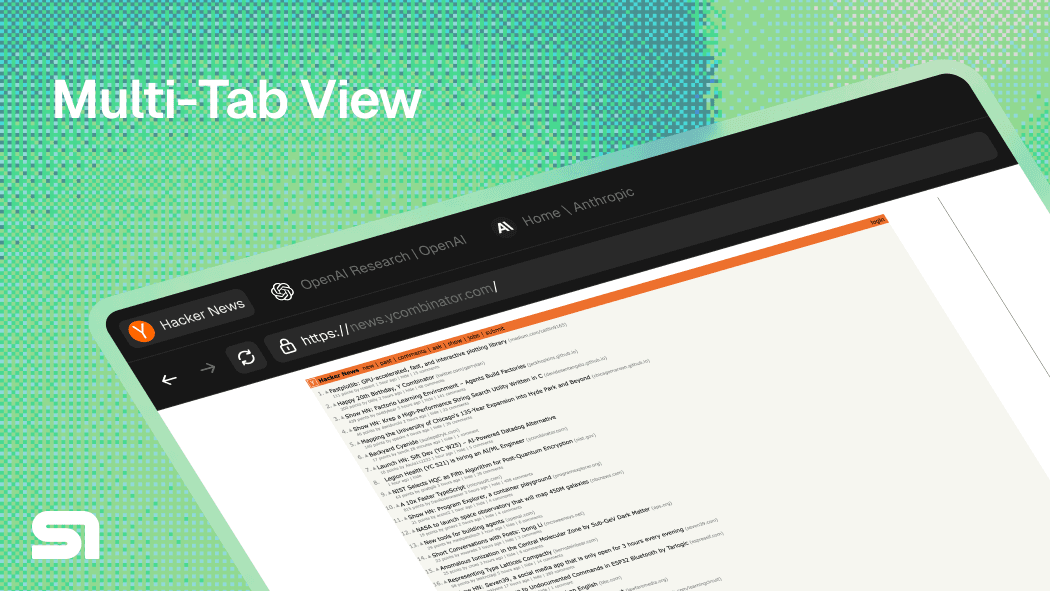
We shipped support for multiple tabs via the debug URL. This comes with support for embedding specific pages as well as a full browser view that displays all tabs with full interactivity. Essentially a fully embeddable browser UI can now exist right in your app. Light/dark mode supported ;)
Embed and view session recordings
We’ve published an endpoint (v1/sessions/:id/events) and docs around how you can simply embed and view session recordings inside your app.
Here’s a code snippet of how to create an embeddable session replay component:
1import rrwebPlayer from 'rrweb-player';2import 'rrweb-player/dist/style.css'; // important for styling of the player34// Once you've fetched the events5const events = await client.sessions.events(session.id)67// Create player element8const playerElement = document.getElementById('player-container');910// Initialize the player with events11const player = new rrwebPlayer({12target: playerElement,13props: {14events: events,15width: 800, // Width of the player16height: 600, // Height of the player17autoPlay: true,18skipInactive: true // Skip periods of inactivity19}20});
CUA x Steel
OpenAI’s Computer-use agent just dropped and it’s awesome! We’ve added a whole bunch of resources across the Steel universe to demo how the CUA agent can control a Steel browser!
- Cookbook: Simple CUA Loop (Python)
- Cookbook: Simple CUA Loop (Node)
- Coming soon to Surf.new 🌊
🔧 Bugfixes/Improvements
- Python/Node SDKs are out of beta and official starting on version
0.0.1🥂 This update comes with all the afore mentioned capabilities incorporated into the SDKs. - Lots of improvements and fixes to the Surf UI
- Added guide to docs on how to re-use contexts between sessions for carrying over things like authenticated state (docs)
- Patches some source of memory leak errors causing slower session times
🏡 Housekeeping
- Carti dropped 🗣️
💖 First-time contributors
Special thanks to @PaperBoardOfficial for making some key PRs and issues on Surf 💖
As always, thanks for testing out the Steel beta. We really look forward to more of your feedback and continuing to build with this awesome, curious, and supportive community.